
PT
EstanteAndroid · version 0.2.2

Books and quotes. Open, read, keep.

A shelf of covers on your phone, with real book pages. No store, no required account and nothing deciding what you can open.

EPUB · MOBI · AZW3 · PDF · FB2 · CBZ · TXT

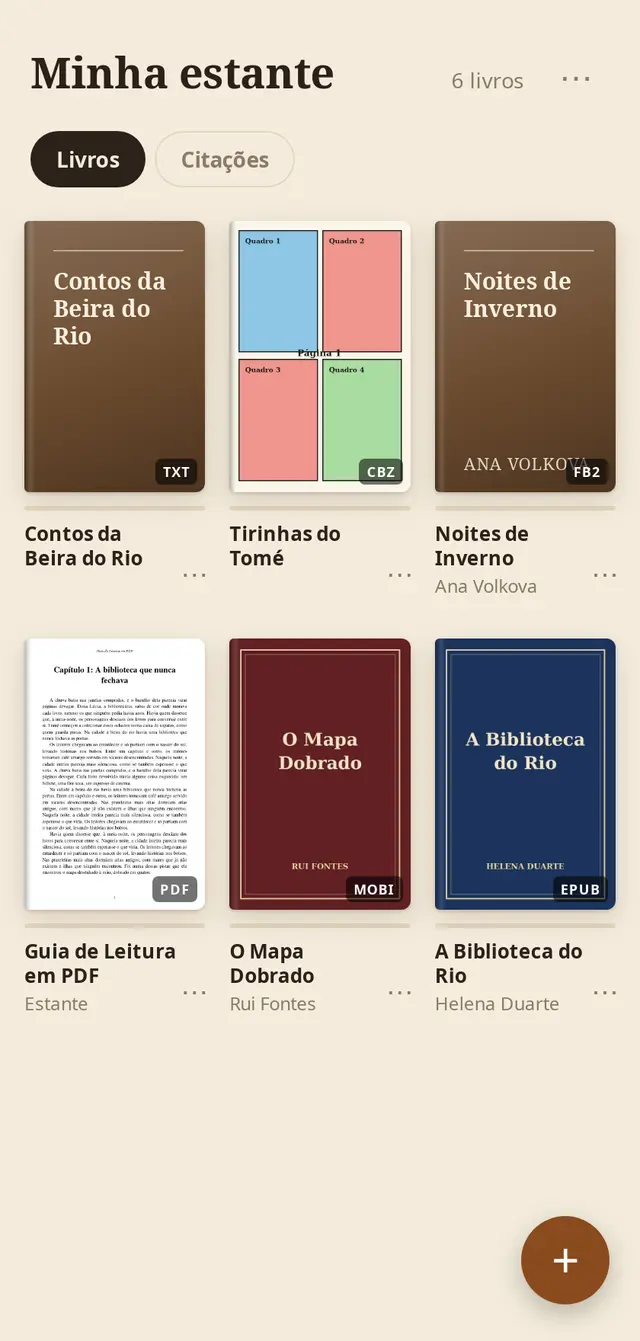
The My Shelf screen with six sample books and their covers

What it does

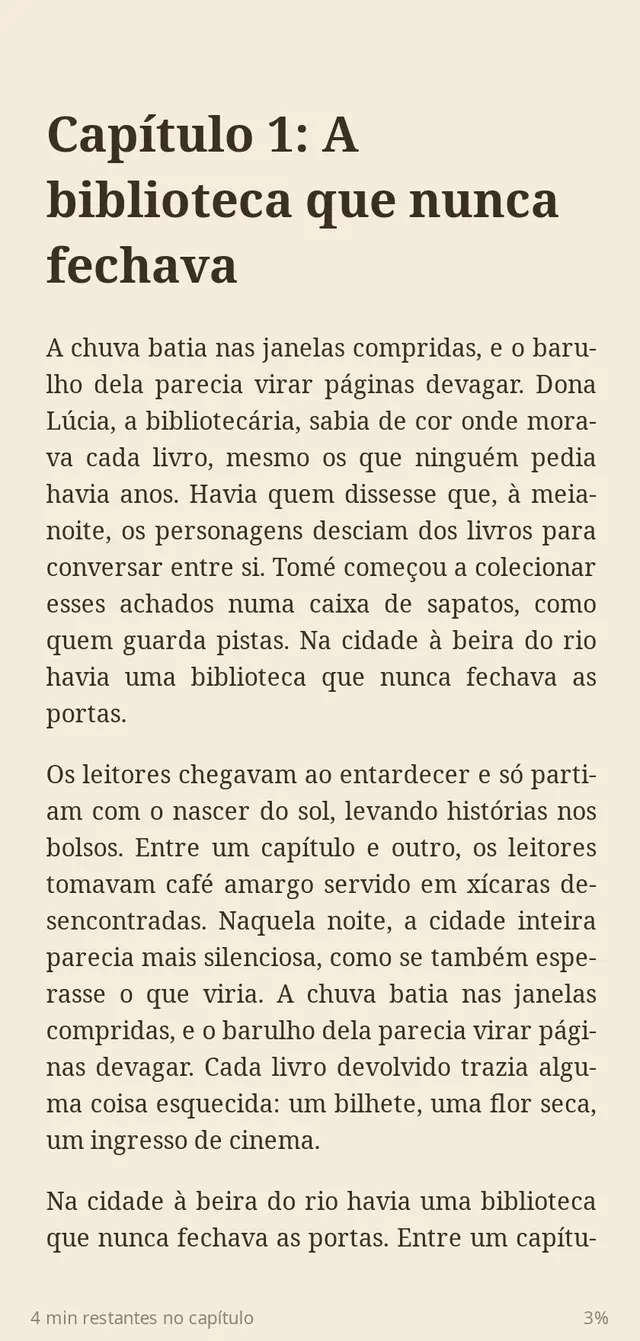
A book page in the sepia theme with a chapter title and time remaining at the bottom

Made for real reading

Tap the right side to go forward and the left to go back, or swipe. The footer shows what is left in the chapter and your progress in the book. Menus only appear when you ask.

  • Bookmarks and table of contents inside the book
  • PDF in its original layout or reflowed into pages
  • Reads a whole folder of books from your phone

Your way, day or night

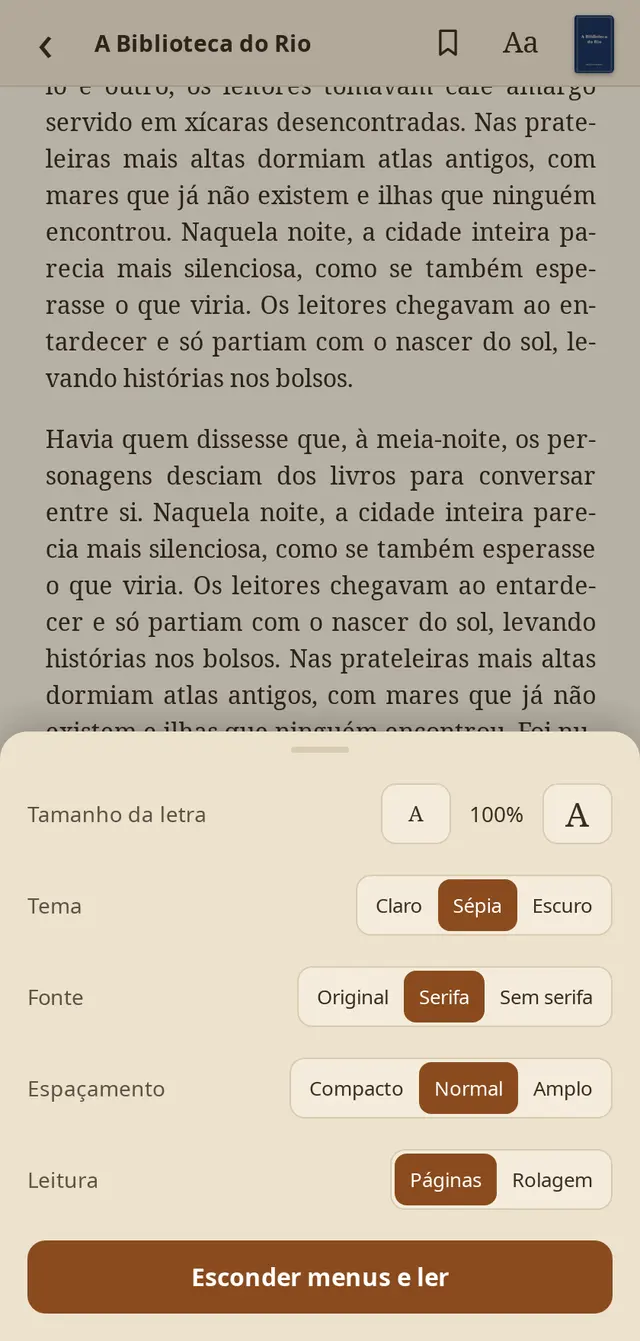
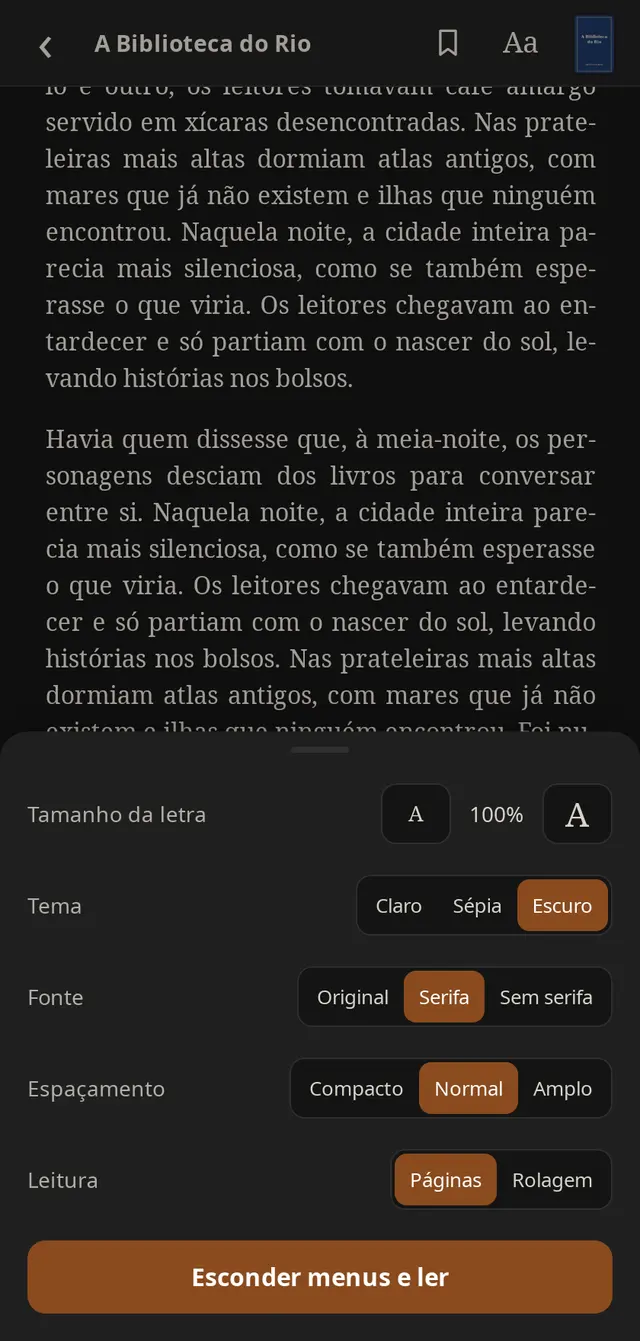
Adjust text size, font and spacing, and choose pages or scrolling. The Light, Sepia and Dark themes apply to the book and the menus.

Reading settings in the sepia theme
Reading settings in the dark theme
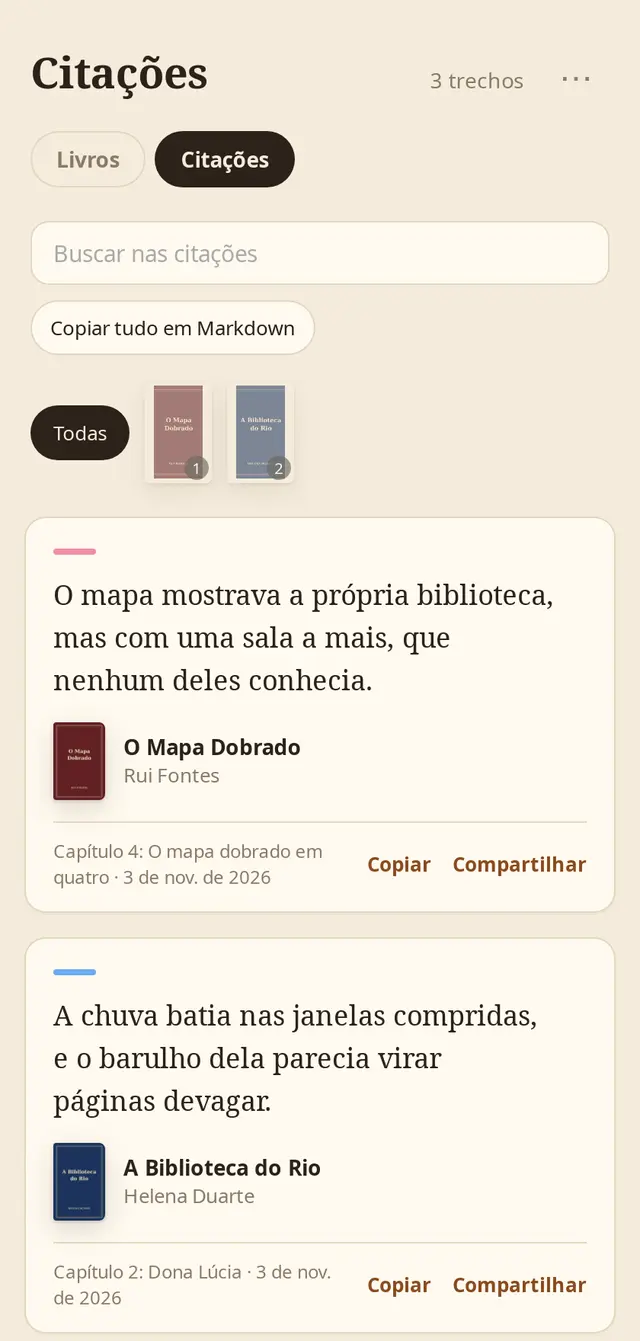
Quotes screen with highlighted passages, cover, author and copy and share buttons

All your quotes in one place

Highlight a passage, choose a color and write a note. Then search, filter by book, share as an image or copy everything in Markdown, in the format Readwise, Notion and Obsidian understand.

Your library, on your server

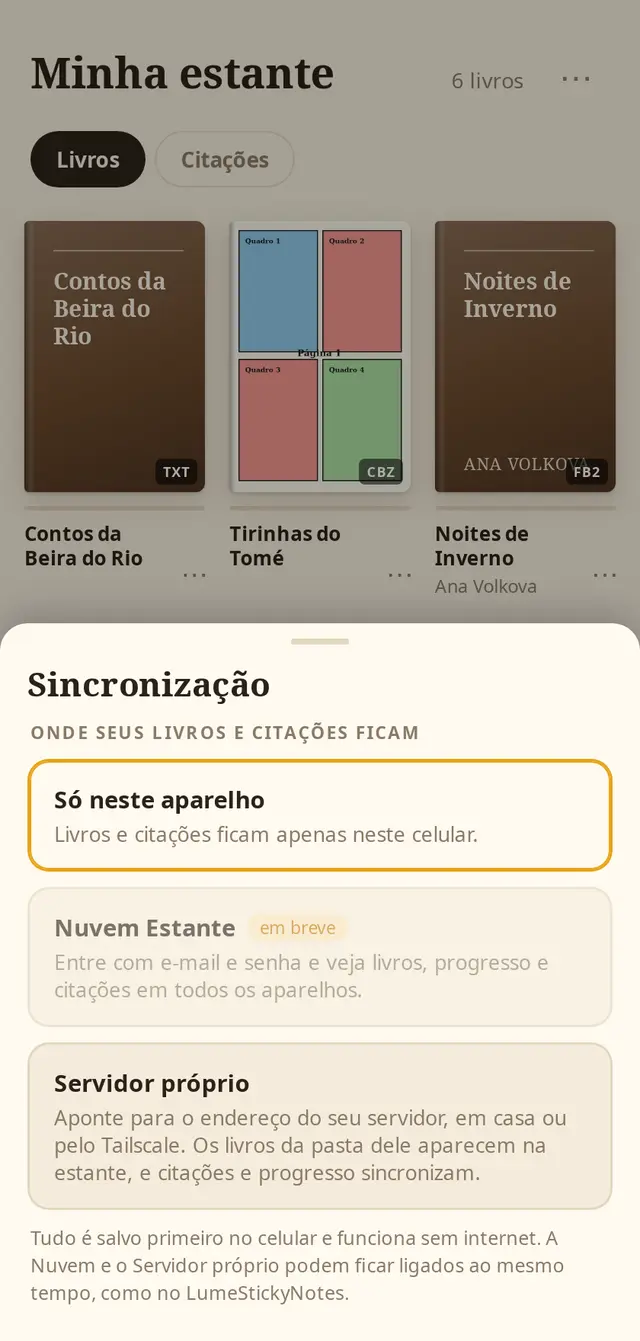
Point the server at a folder of books and it organizes everything, with the title, author and cover read from the files themselves. In the app, books show a cloud on the cover: tap to read online or hold to download.

  • Accounts, quotes and reading progress sync
  • Everything is saved on your phone first and works without internet
  • OPDS catalog to open the same folder in KOReader or Moon+ Reader
Estante sync screen: this device only, cloud coming soon and your own server

The two files

The APK goes on your phone. The server goes where your books are, if you want to take them with you.

The app
Estante-0.2.2.apk

Install on Android by opening the file on your phone. The system may ask you to allow installation from outside the store.

adb install Estante-0.2.2.apk

The command is optional, for installing from a computer. The app comes with six sample books.

Verify the file (SHA-256)9038df21df577389fa023b87b5b4b49f2d491ae62be3899c449eb032eba249d3
The server
instalar-servidor.sh

Four explained steps: it checks the server, asks for the book folder, picks a system service or Docker and creates the admin.

bash instalar-servidor.sh

Optional. In the app, ⋯ › Sincronização › Servidor próprio, with the address on port 8092.

Verify the file (SHA-256)4f03ce72c00afc712e0b794d9445d632acfa91319168a03ccb9fc1f8434a7c19
Lume Corporation. To give every person back control of their own digital life. Real app screens with demo data. The apps and their screens are currently in Portuguese.
0 words0 characters1 min read
Ctrl F Find on this page