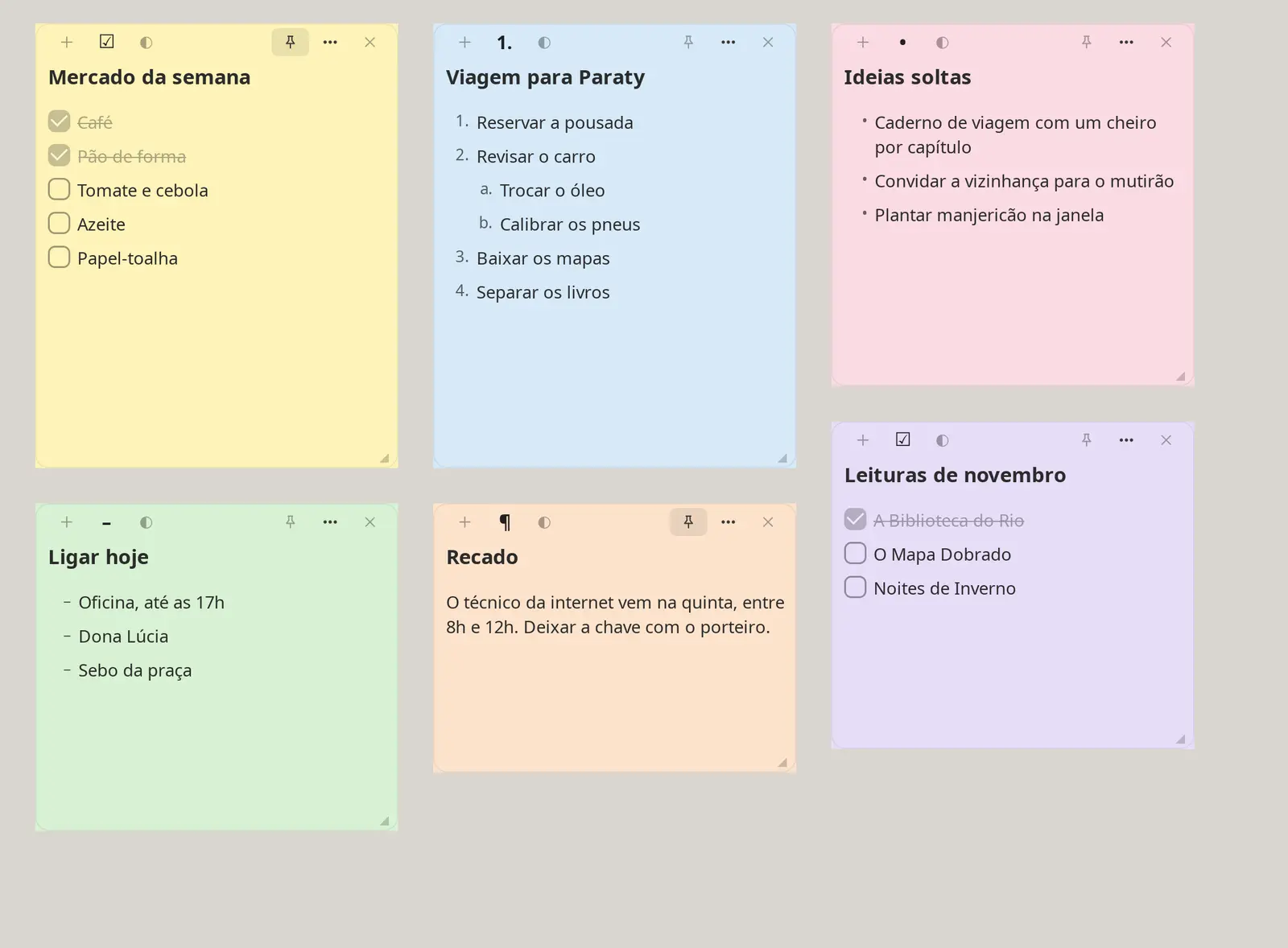
Each note can be a checklist, a numbered list, bullets, dashes or plain text, with nested sub-items. Yellow, pink, peach, green, blue and lilac help you spot things at a glance.
Enter creates an item, Tab makes it a sub-item
Pin a note above all windows
Checked items get crossed out
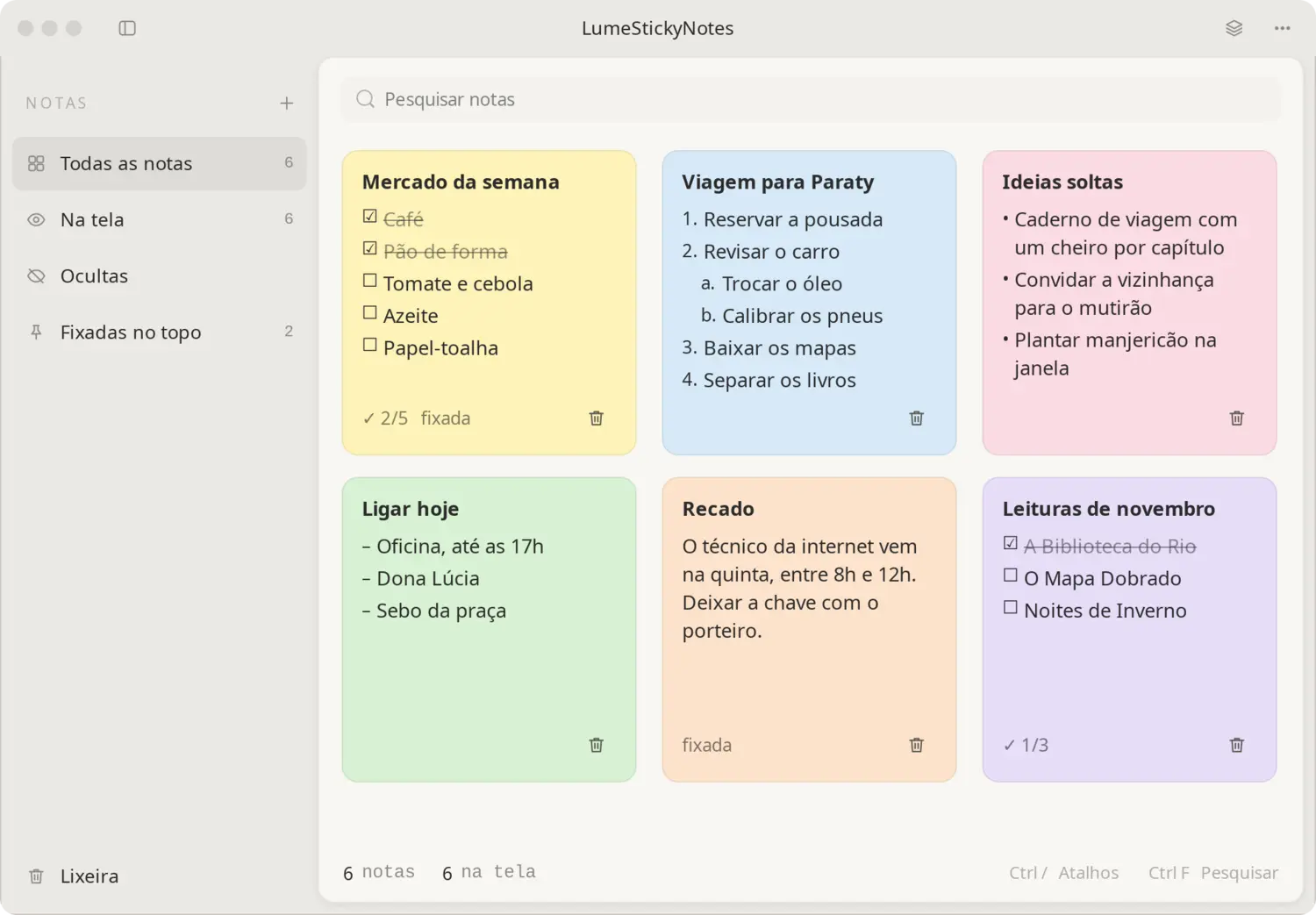
A manager for what left the screen
See all notes, those on screen, hidden and pinned. Search, reopen and restore from the trash. Closing a note doesn't delete it.
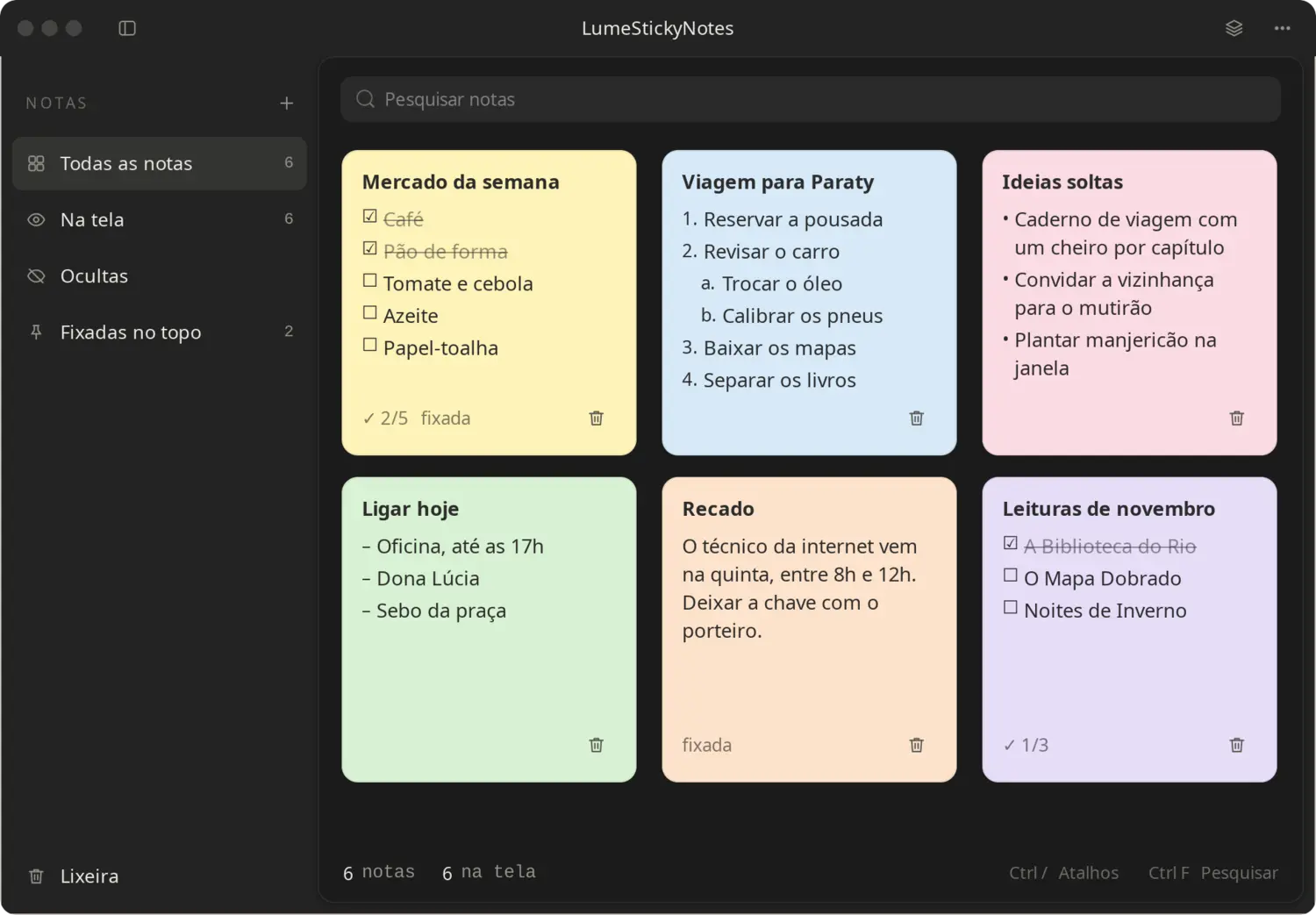
Light, Dark, Black and Auto themes
Applet for the Cinnamon panel (Linux Mint)
Opens with your system, if you want
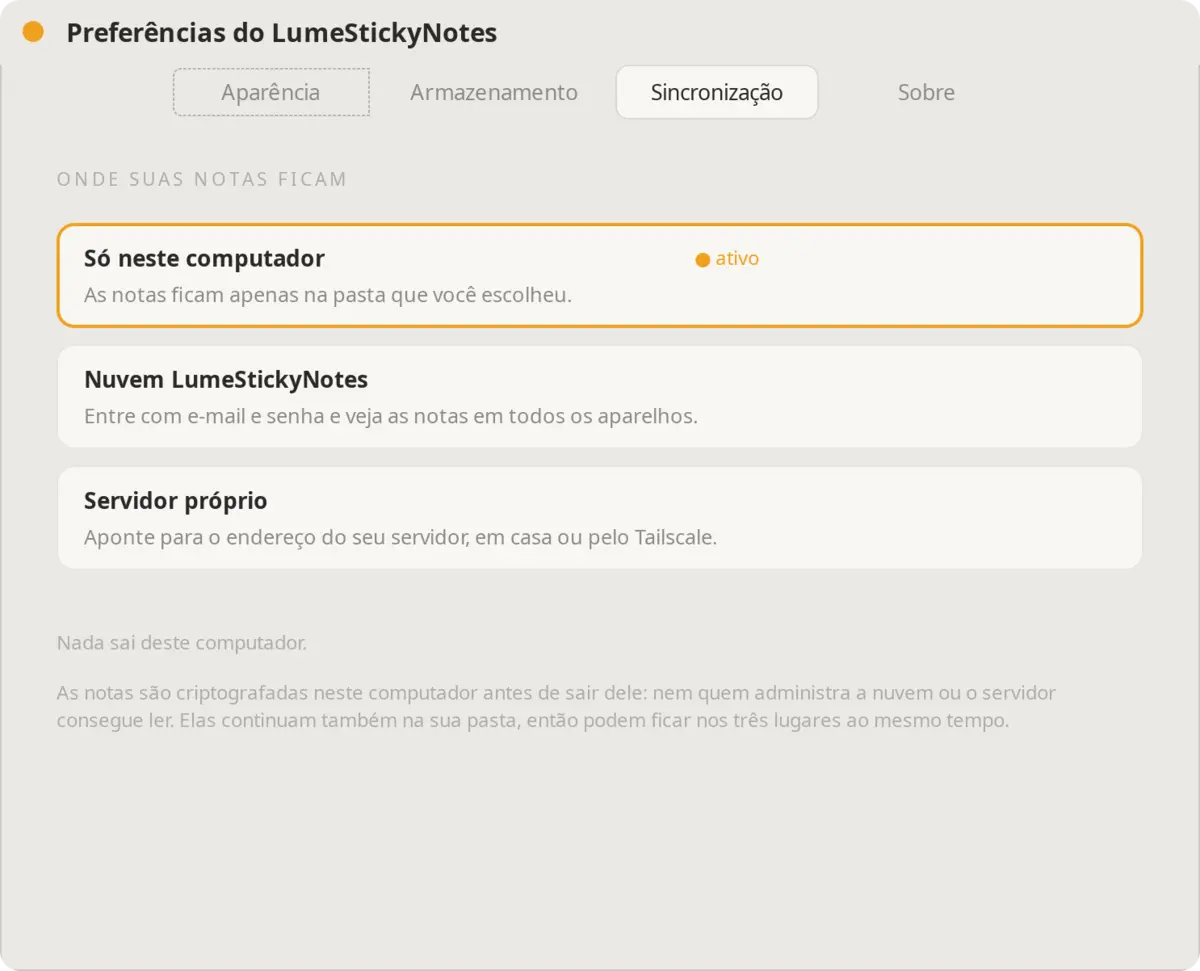
Not even the server admin can read them
When you sync, notes are encrypted on this computer before they leave it, with AES-256-GCM. The key is locked by your password and by a recovery code only you keep.
On this computer only, in the cloud, on your server, or on both at once
The notes folder can be on Nextcloud, Syncthing or Drive
With every important change, the app keeps a copy in backups/
Nothing gets locked in
Import and export in Markdown, with lists in the LumeNotes and Obsidian format. A full backup keeps all notes, colors and positions in one file. If you uninstall, your notes stay in the folder you chose.
The two files
The first goes on the computer where you use your notes. The second goes on the server, if you want one.
The app
lumestickynotes-1.1.tar.gz
Unpack it and run the installer. No sudo needed, unless Python GTK 3 is missing. Works on any Linux with GTK 3.
tar xzf lumestickynotes-1.1.tar.gz && cd lumestickynotes-instalador && ./instalar.sh
Verify the file (SHA-256)d824465709883d36ec276cca18d5b118b848e0c192ca2fe037e0e56edd04be73
The server
instalar-servidor.sh
A single file. Ubuntu Server, Debian, CasaOS, ZimaOS, Raspberry Pi OS, Fedora and others, with or without Docker. In the app, ⋯ › Nuvem e sincronização › Meu servidor.
bash instalar-servidor.sh
Optional. Running it again updates without deleting anything.